Google Ads Tracking, Analytics And Tagging

You’ll need to implement Google Ads tracking, analytics, and tagging to effectively monitor your advertising performance. Start by setting up conversion trackingThe process of measuring and analyzing how many visitors to a website complete a desired action, such as making a purchase or signing up for a newsletter. to measure specific actions users take on your website. Connect your Google Ads account with Google Analytics to gain deeper insights into user behavior and campaign effectiveness. Use Google Tag Manager to efficiently deploy and manage your tracking tags, including remarketing pixels for audience building. Implement event tracking to monitor specific interactions, and create custom audiences based on user behavior and demographics. Regular testing and optimization of your tracking setup will help you unveil valuable campaign insights and improve your return on ad spend.
Understanding Google Ads Conversion Types
Mastering Google Ads conversionThe completion of a desired action by a user# such as a purchase# sign-up# or download. Conversions are the ultimate goal of most marketing campaigns and serve as a key metric for measuring success. types empowers advertisers to accurately track and measure the success of their campaigns. When you’re setting up conversion tracking, you’ll encounter various categories designed to monitor different user actions that matter to your business.
The platform provides default conversion categories to help businesses effectively track and analyze their campaign performance. Tag Manager integration simplifies the process of managing multiple conversion codes on your website. You can track website actions like form submissions and downloads using event tracking, while enhanced conversions help you capture valuable first-party data. For e-commerce businesses, sales conversions let you monitor purchases and shopping cart additions with specific values assigned to each action.
If you’re using Google Analytics 4, you’ll benefit from extensive tracking across both online and offline conversion points.
Key conversion types include:
- Website actions and form submissions
- Phone calls and click-to-call interactions
- E-commerce transactions and revenueTotal earnings from promoting an offer, regardless of profitability. tracking
- App installations and in-app purchases
- Offline conversion imports
Essential Tracking Setup Steps
Building on your understanding of conversion types, let’s walk through the fundamental steps to set up proper tracking in Google Ads. You’ll need to start by creating conversion actions in your account and implementing the necessary tracking tags.
Begin by setting up Google Tag Manager, which will streamline your tag implementation process. Create a new conversion action by navigating to Goals > Conversions > Summary, then configure your conversion settings and values. The process requires a Google Ads account and proper implementation of Tag Manager on your website.
Next, add the conversion tracking code either directly to your website or through Tag Manager. For extensive data analysis, integrate your Google Analytics account by creating relevant goals and importing them into Google Ads.
Don’t forget to verify your setup by testing the tags in preview mode and monitoring your conversions to maintain everything’s tracking correctly. Review your conversion tracking data regularly to optimize campaign performance.
Finally: A Google Ads Affiliate Marketing Course That Actually Works
19 advanced modules, done-for-you templates, and live campaign examples from a proven $7M affiliate. Perfect for beginners and advanced marketers alike.
Custom Conversion Implementation
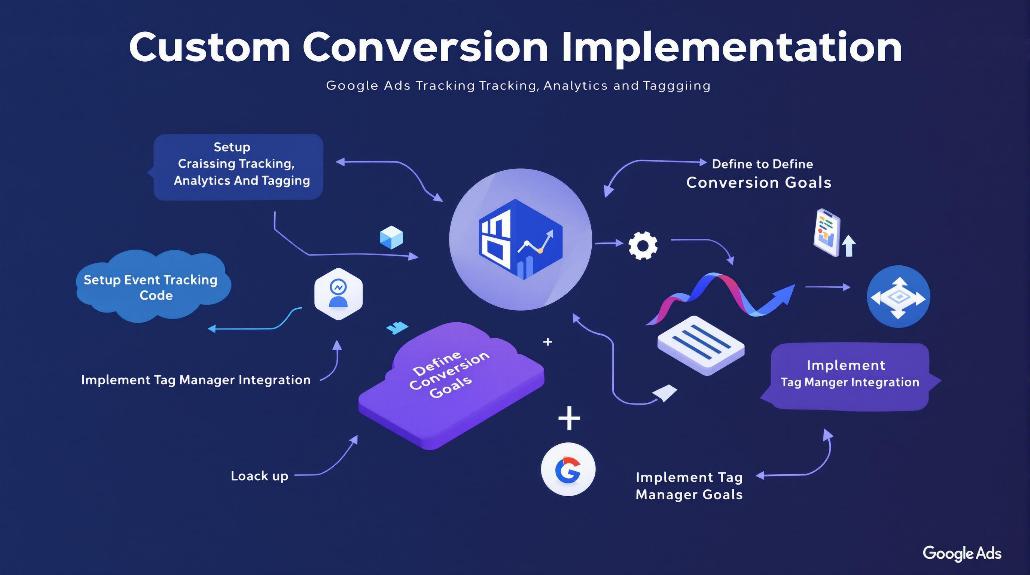
Start by creating custom dimensions in Google Ads that reflect your unique business metricsKey performance indicators used to measure the success of affiliate marketing efforts, such as conversion rate, EPC, and ROI.. You’ll find these options in the “Conversions” section, where you can establish specific goal tracking parameters. Here’s what you’ll need to do:
- Set up conversion events using Google Tag Manager
- Import custom conversions from GA4 if you’re using Analytics
- Configure custom variables to capture additional data points
- Verify tracking implementation with debugging tools
Remember to regularly review and adjust your custom conversions to guarantee they’re providing meaningful insights for campaign optimization.
Offline Tracking Methods
While custom conversions track online user actions, offline tracking methods extend your measurement capabilities beyond the digital sphere. You’ll need to set up conversion actions in Google Ads and use the gclid (Google Click IDA unique identifier assigned to each ad click# capturing vital user and interaction data. This code enables precise tracking of user journeys# attribution of conversions# and optimization of marketing campaigns.) to connect offline conversions back to your campaigns.
To implement offline tracking, you’ve got two main options. You can manually import your conversion data through spreadsheets, or set up CRM integration for automated data transfers. Many popular CRM platforms offer direct integration with Google Ads, making it easier to track phone calls, in-store visits, and other offline interactions. Privacy regulations are making traditional pixel tracking less reliable, making offline conversion tracking increasingly important. This holistic approach helps you create personalized customer experiences and improve your overall marketing effectiveness.
Remember that accurate data collection is vital. Make sure you’re consistently capturing and storing gclid information for each conversion. While the setup process might take time, the insights you’ll gain about your campaign’s full impact make it worthwhile.
Cross-Platform Integration Strategies
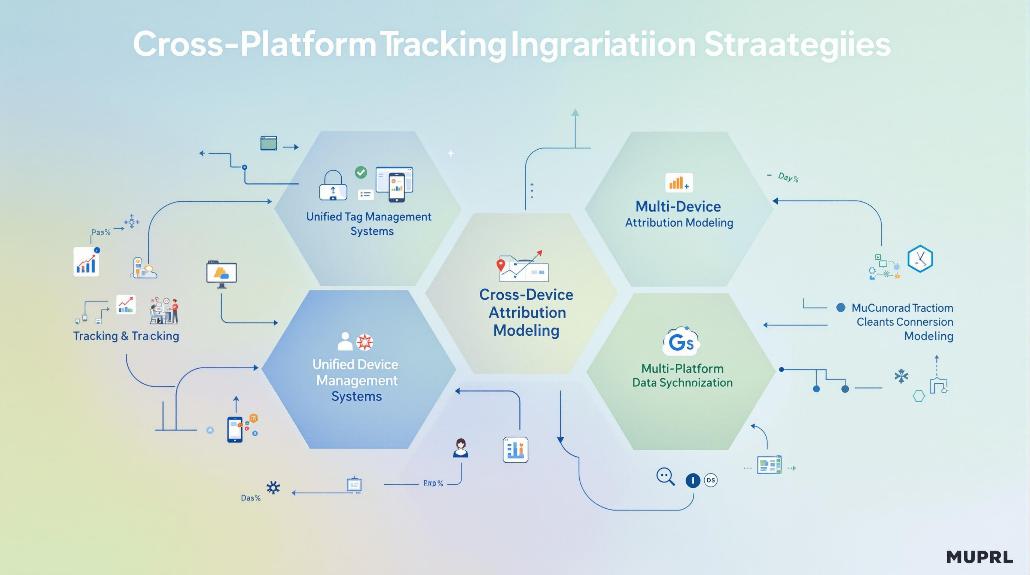
A robust cross-platform integration strategy connects your Google Ads campaigns across multiple touchpoints, from Search and Display to YouTube and Gmail. You’ll want to implement remarketing tags and conversion pixels across all platforms to track user interactions effectively. Automated bidding strategies can optimize performance across these integrated networks. Setting up dynamic remarketing allows you to automatically show visitors ads featuring products they viewed on your site.
To maximize your cross-platform success, focus on implementing cross-domain tracking to understand how users move between your different web properties. This data, combined with user behavior analytics, helps you create more targeted campaigns. Set up your tracking to capture:
- Customer journey patterns across devices
- Platform-specific conversion rates
- Cross-channel attribution data
- User engagement metrics
Remember to maintain consistent messaging while tailoring content for each platform’s unique characteristics. By synchronizing your campaigns and leveraging unified customer profiles, you’ll create a seamless experience that drives better results across all channels.
Performance Tracking Best Practices
Implementing effective performance tracking practices forms the foundation of any successful Google Ads campaign. You’ll need to focus on monitoring key performance metrics while ensuring proper data validation through regular audits and debug tools.
Start by setting up thorough tracking parameters across your campaigns to measure essential metrics like CTRThe percentage of people who click on a specific link or call to action out of the total number who view it., conversion rates, and ROAS. Use Google’s debug tools to verify that your tracking is working correctly and capturing accurate data.
Here’s what you should prioritize:
- Regular analysis of campaign performance metrics
- Implementation of proper conversion tracking tags
- Validation of data accuracy through cross-checking
- Use of advanced tracking features like enhanced conversions
Remember to segmentA division of the market based on specific demographics or characteristics. your data between new and returning customers, and continuously test different ad variations to optimize performance. This systematic approach will help you make data-driven decisions and improve campaign effectiveness.
Frequently Asked Questions
How Long Does Conversion Tracking Data Remain Visible in Google Ads?
You’ll see conversion data in about 3 hours, with imported Analytics data taking 9 hours for GA3 and 3 hours for GA4. Google Ads retains historical conversion data indefinitely.
Can Tracking Tags Affect Website Loading Speed and Performance?
Yes, tracking tags can slow down your website’s loading speed since they add extra code and network requests. You’ll notice reduced performance if you’re using too many or poorly configured tags.
What Happens to Conversion Data When Switching Between Google Ads Accounts?
When you switch between accounts, your existing conversion data stays intact. You’ll need to keep old tracking tags active during the conversion window to avoid losing data from previous clicks.
Are There Privacy Implications When Tracking Conversions Across Different Regions?
You’ll need to comply with different regional privacy laws like GDPR and CCPA when tracking conversions across regions. Make sure you’re obtaining proper consent and handling data according to local regulations.
How Often Should Tracking Codes Be Updated to Maintain Optimal Performance?
You should update your tracking codes monthly for ideal performance, while testing them for 30 days before changes. For high-volume campaigns or competitive industries, you’ll need more frequent updates.